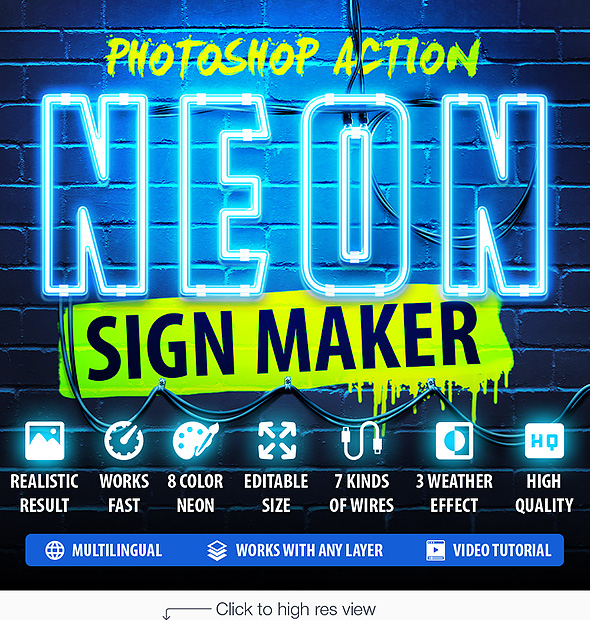
Neon Sign Maker Photoshop Action
This is perhaps the easiest and fastest way to create a neon sign in photoshop.
To begin to create the object, it can be any type of layer, text, shape or picture

OK, now select the color of the signs

The thickness of the neon tube can be changed in one click

Two preset backgrounds to choose from

Well, now we have to add effects!

Congratulations, the sign is ready!


- Multilingual action work in Photoshop with any language UI
- Photorealistic result high quality
- Works with any type of layer
- Quick results, will help to save your time
- 14 types of wire (7 color and 7 monochrome)
- 8 colors neon
- 3 additional effect (fog, bokeh, rain)
- 2 background (brick and concrete)
- Custom size neon tube
- Fast support
- Illustrating PDF tutorial in the set and text file help
- Video tutorial with subtitles
- Minimum Photoshop Version – CC 2015

UPDATE MARCH 2018
Fixed minor bugs in the action that occurred in the new version of Photoshop.
Updated help and added a test file
If you have any difficulties or questions regarding my products then please contact me through the Contact Form on my profile page and I’ll get back to you as soon as it possible. I am always glad to help and answer all your questions.
Download Now
LIVE PREVIEWDownload Now