GRAVITY – Keynote
Modern Presentation Template
Features
- 83 (!) Unique Custom Slides
- Smart and Innovative Presentation Slides
- Handcrafted Illustrations in Keynote!
- No Photoshop needed! Save Time!
- Customise Everything however you want!
- Bright and Dark Slide Layouts
- 8 Different Color Combinations
- Over 800 icons in total!
- Icons as Fonts! easily change size & color
- 16:9 Widescreen Slide Format
- Tons of Editable Custom-Made Infographics
- 3 Different Title Slides
- Beautiful Section Breaks
- Custom Animations
- Easily Editable
- Custom Table Designs
- Based on Master Slides
- Usage of Modern Colors and Modern Flat Style
- Pixel-perfect illustrations
- Designed with much love for details!
- Next-level Presentation Template!
- 8 different Maps included!
- Smart Highlight Slides
GRAVITY – Keynote
Included files
- Keynote *.KEY-Files
- Help File
Make sure you have installed these free fonts!
- Neris – Download here
Enjoy using GRAVITY and good luck with your presentation!
Note
The *.key files won’t show up in Keynotes native theme chooser. The *.key files itself can be used as a basis.
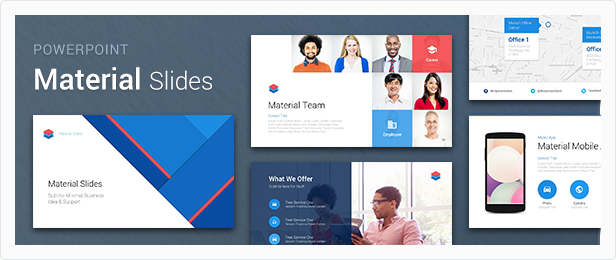
Also check our other items

Credits
The illustrated stock photos are all from photodune and shutterstock. They are not included in the presentation files. A complete list of the
specific photos (with links) is included in the help file.
Used and Included icons from http://fortawesome.github.io/Font-Awesome/ & http://typicons.com/ & http://www.elegantthemes.com/blog/resources/how-to-use-and-embed-an-icon-font-on-your-website
Download Now
LIVE PREVIEWDownload Now