
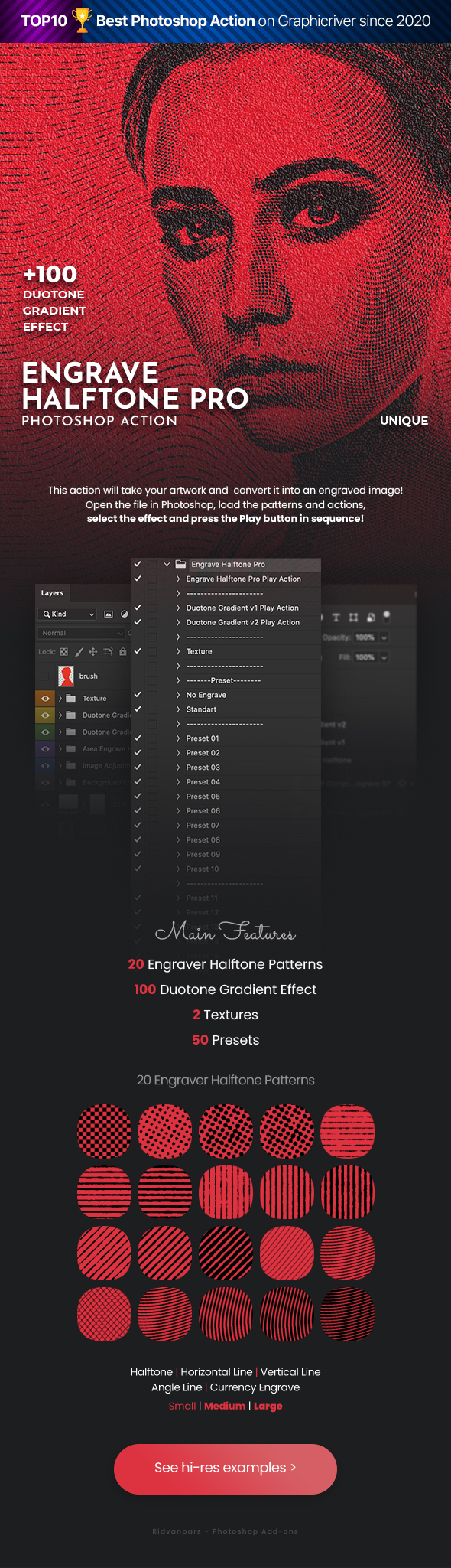

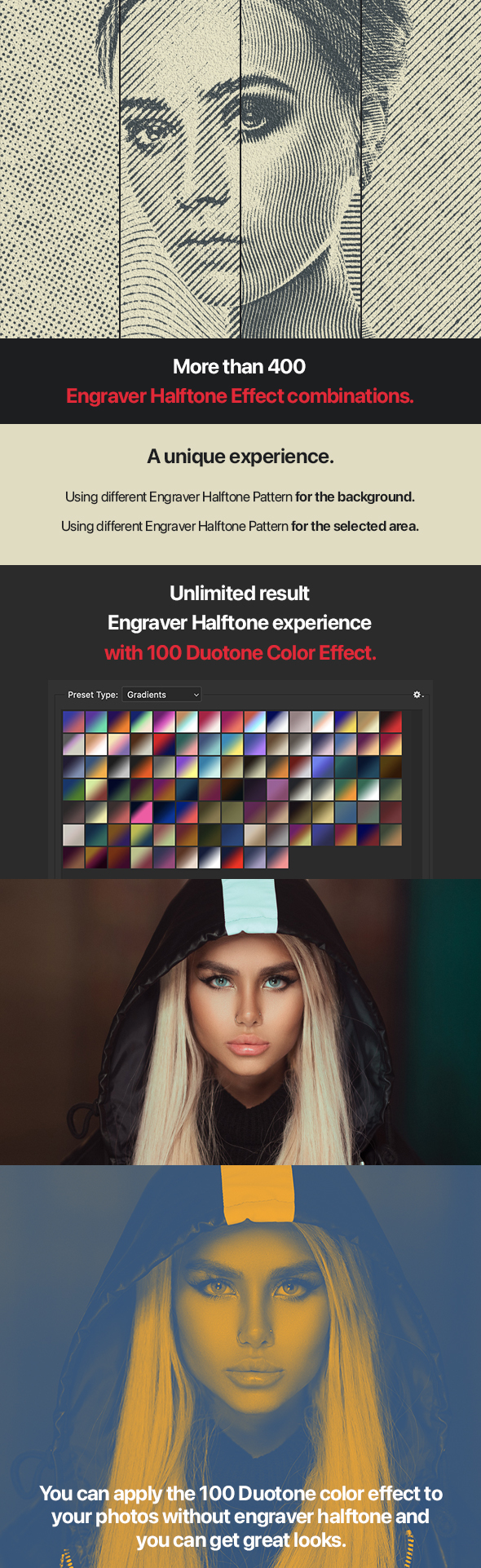
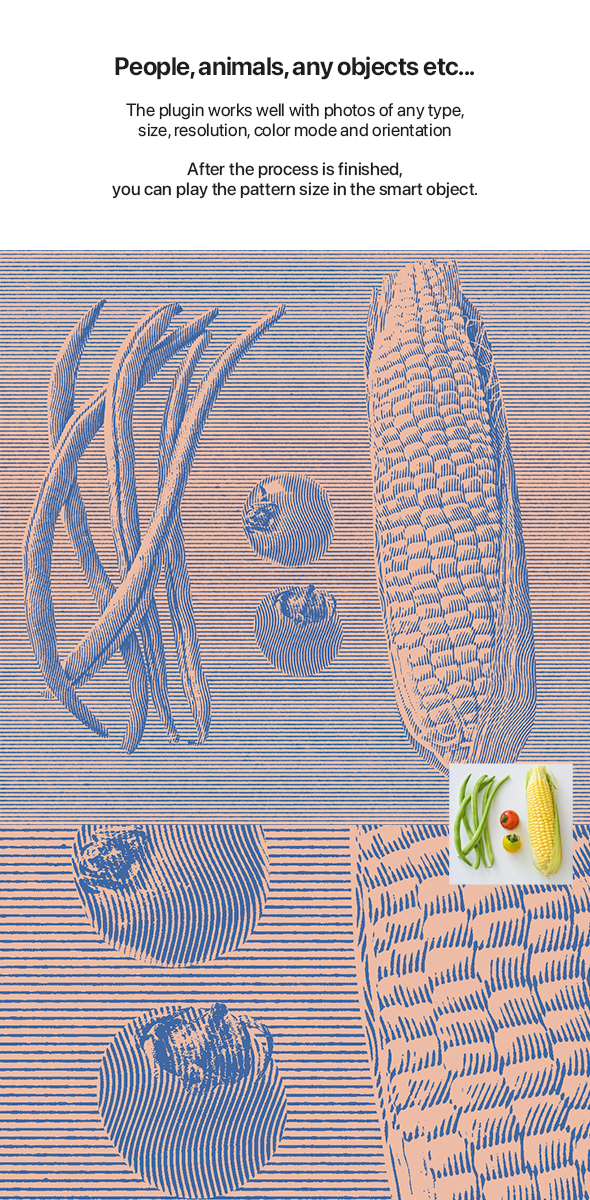
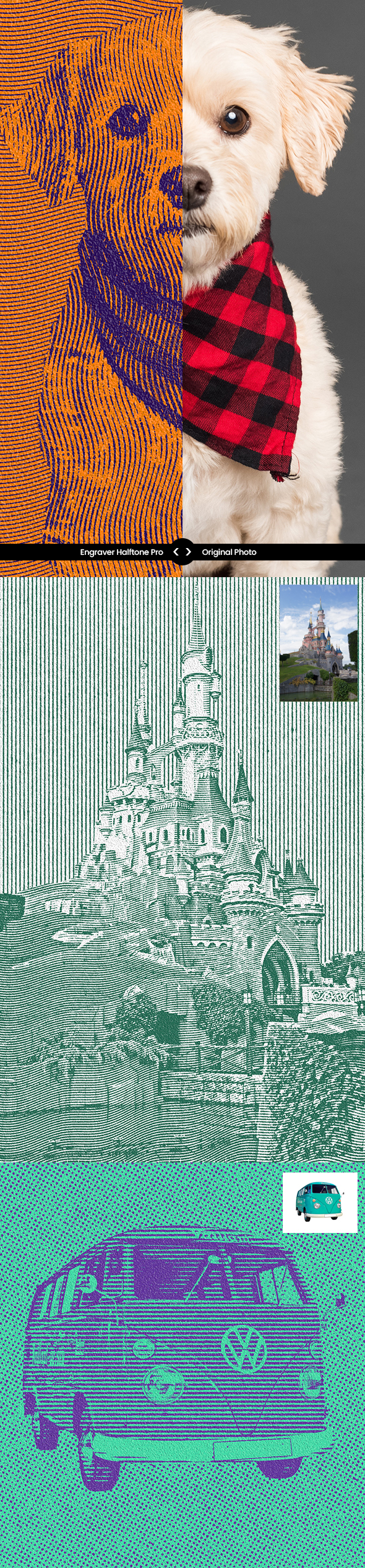
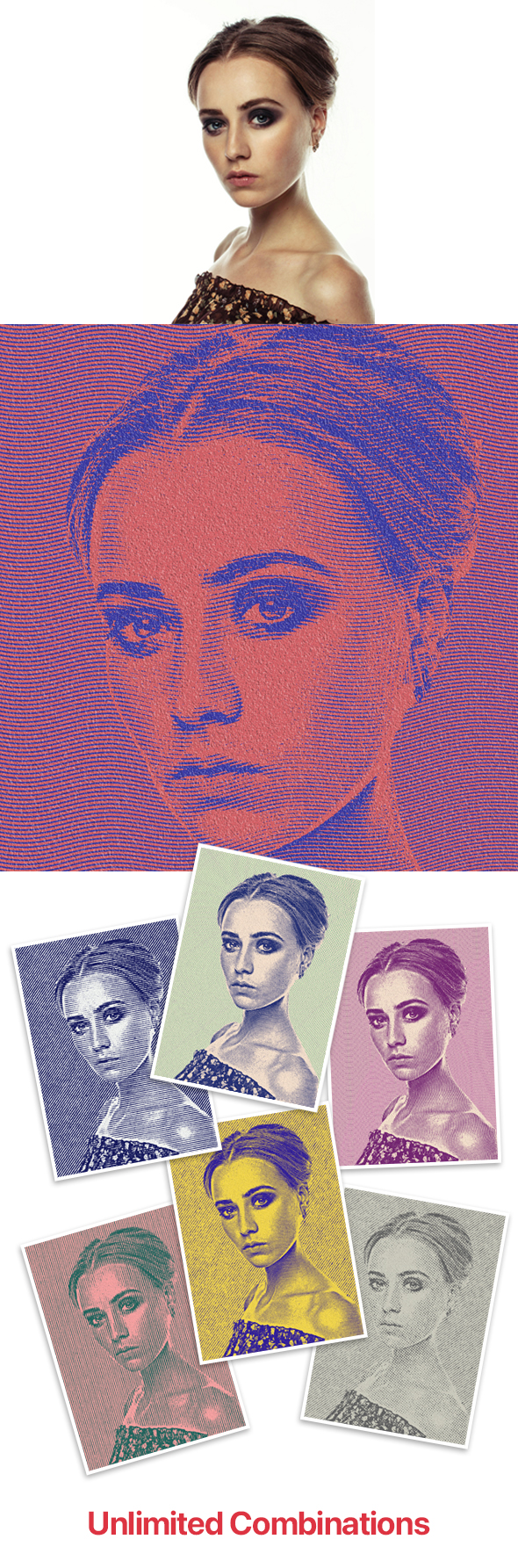
Engrave Halftone Pro Photoshop Action
This action will take your artwork and convert it into an engraved image!
Open the file in Photoshop, load the patterns and actions,
select the effect and press the Play button in sequence!
FILE INFO
- 1 ATN File. (action).
- 1 PAT file (texture).
- 1 GRD file (Gradient).
- 1 Help Files. (.pdf)
- Has been tested and works on Photoshop CS6 and CC
- Please rate if you like it
FEATURES
- Non-destructive action.
- Well Arranged Layers.
- Layers Are Adjustable.
- Easy to use.
- Works in the following versions: CS6, CC+
Note
Be sure your Photoshop set to RGB color, 8Bits/Channel, English version. If you are not using English version then you can change it to English.
Note: Images used only preview purpose are not included with final design.
Thanks for beautiful image:
pixabay.com, pexels.com, unsplash.com, shutterstock.com
Adobe Photoshop Runs in 2025
To Load Gradients and Patterns in this version
To Load a Pattern window>Patterns> Import Patterns
To Load a Gradient window>Gradients>Import Gradients
Thanks…
More Items


Download Now
LIVE PREVIEWDownload Now

